Create Growify Account
This guide walks you through how to sign up for Growify and access your onboarding flow.
First Step
Step 1: Go to Growify.ai
Open your browser and visit:
https://growify.ai
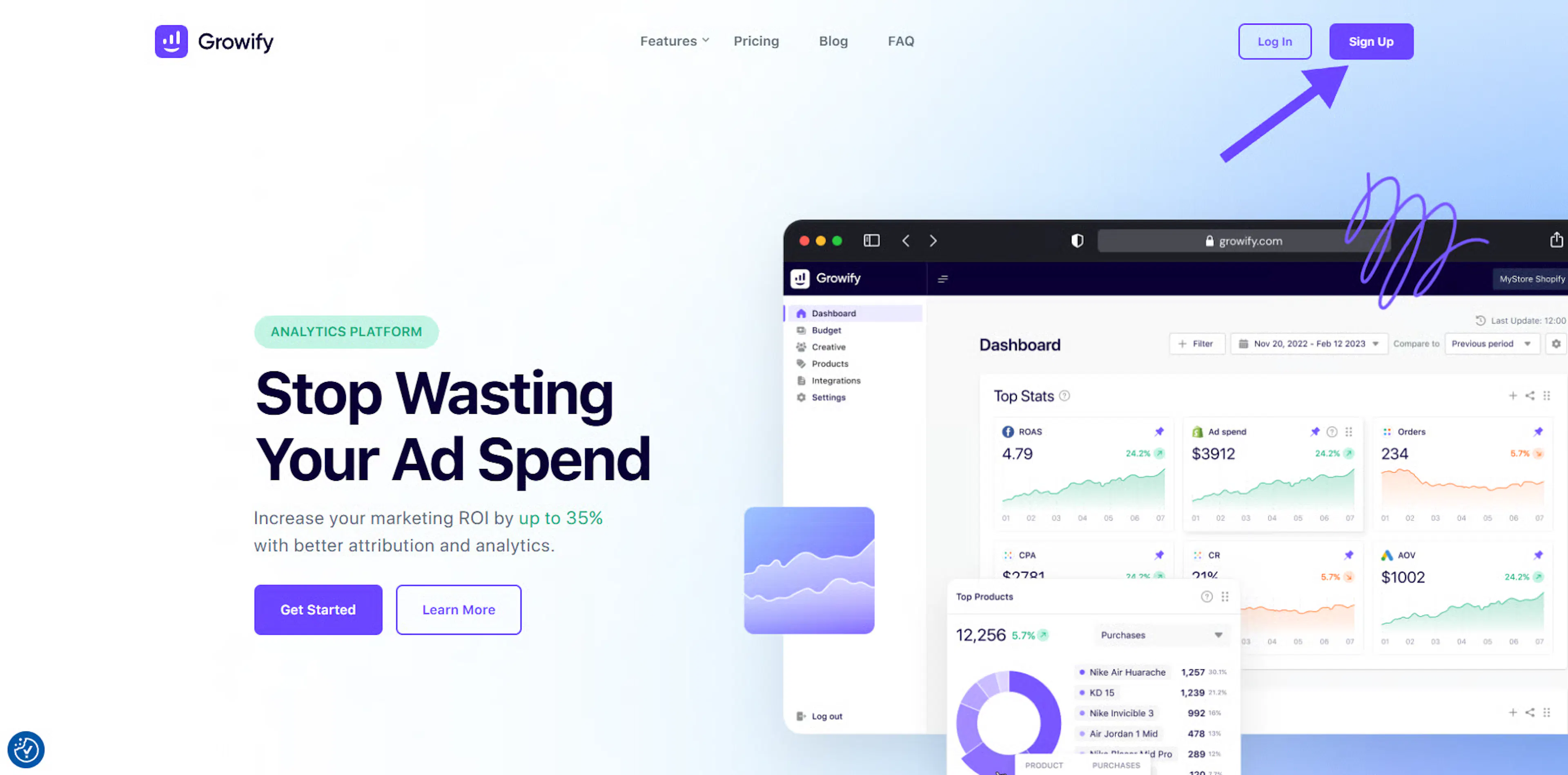
On the homepage, you’ll see the Sign Up button in the top-right corner.Describe the first step here...
Click Sign Up
Step 2: Click Sign Up
Click the Sign Up button to open the account creation page.
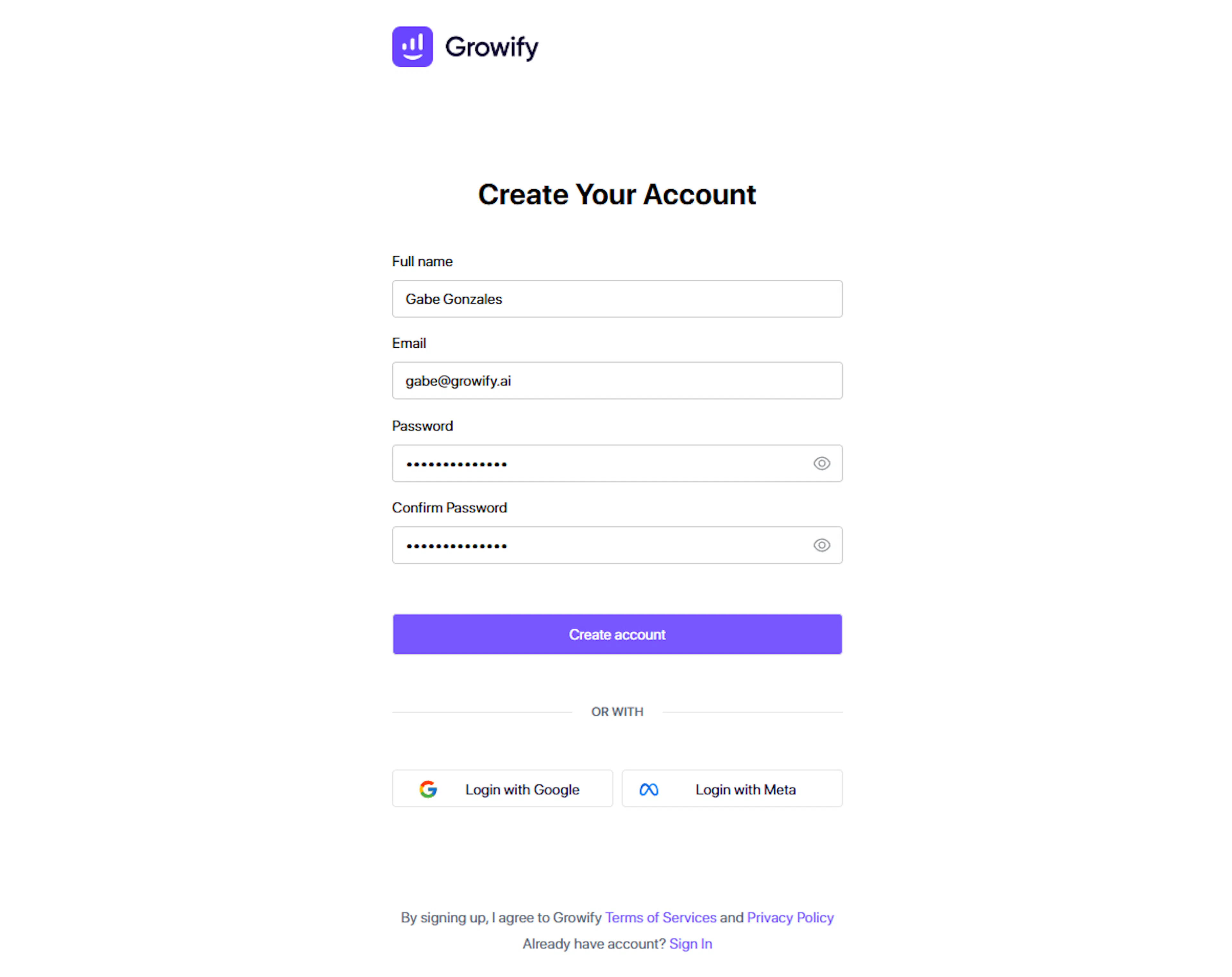
You’ll be redirected to the Create Your Account screen.
Enter Your Account Details
Step 3: Enter Your Account Details
Fill in all required fields carefully:
-
Full name
-
Email address
-
Use your workspace or business email if possible
-
Password
-
Confirm password
👉 Before clicking Create account, double-check that your email address is correct. This is where your verification code will be sent. Click Create account once everything is correct.
Verify Your Email Address
Step 4: Verify Your Email Address
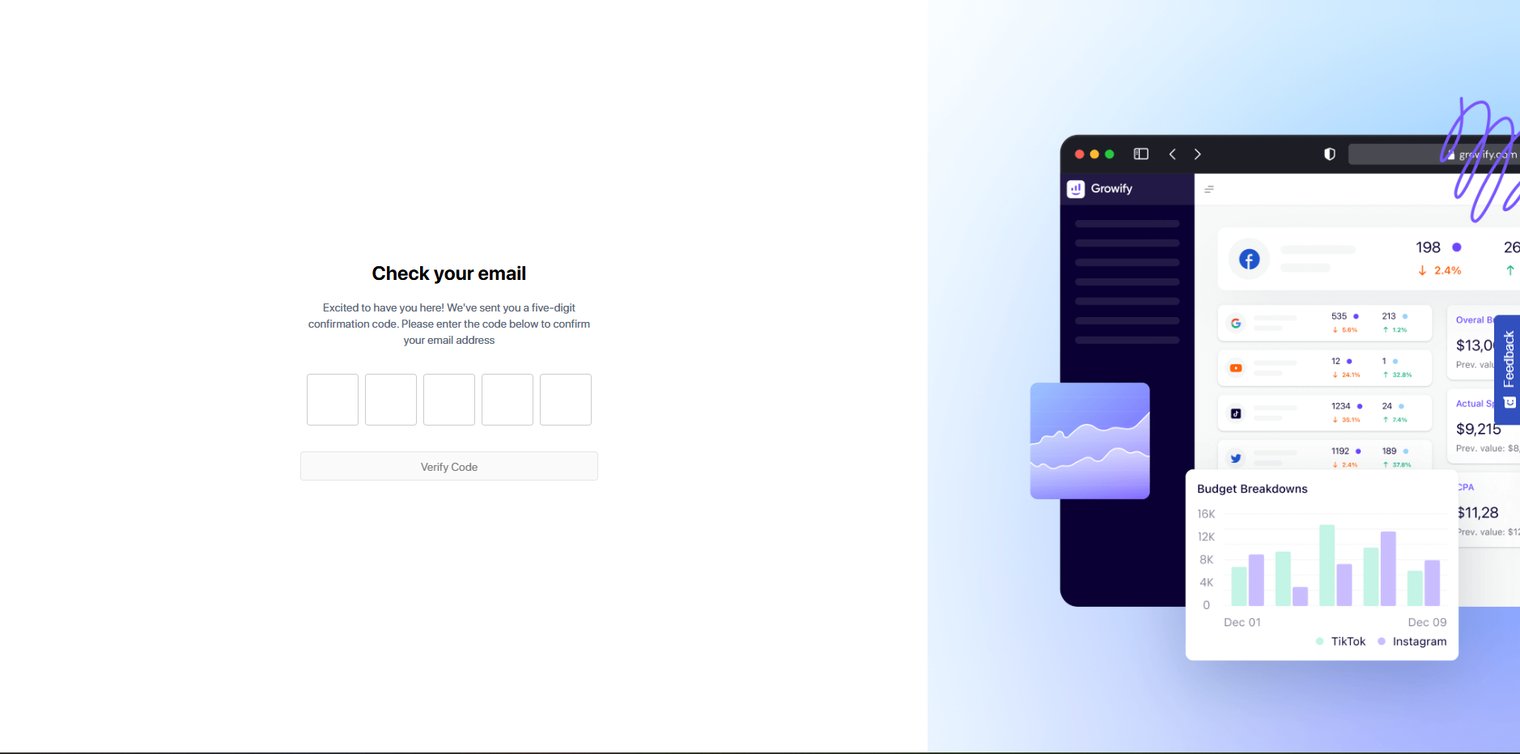
After submitting the form, Growify will send a verification code to your email.
-
Check your inbox for the Growify verification email
-
Enter the verification code on the screen
-
Click Verify Code
ℹ️ If you don’t see the email, check your Spam or Promotions folder.
Welcome to Growify 🎉
Step 5: Welcome to Growify 🎉
Once your email is verified, you’ll see the Welcome screen.
Click Start to begin onboarding and create your first workspace.