Tracking for Snapchat Ads
Growify enables you to track the performance of your Snapchat Ads using UTM parameters. This guide will walk you through how to properly set up tracking so you can measure Snapchat Ads impact across your customer journey inside Growify.
Table of UTM parameters
Here is a table with all UTM parameters that Growify will use to track all new and existing Snapchat Ads.
| UTM Key | UTM Value | Alternative UTM Key | Description |
|---|---|---|---|
| gr_source | snapchat | utm_source | Snapchat Source Channel |
| gr_campaign | {{campaign.id}} | | Campaign ID |
| gr_adset_id | {{adSet.id}} | | Ad Set ID |
| gr_ad_id | {{ad.id}} | | Ad ID |
Here is an example of a destination URL with the UTM parameters added:
https://www.example.com/?gr_source=snapchat&gr_campaign={{campaign.id}}&gr_adset_id={{adSet.id}}&gr_ad_id={{ad.id}}
1. Login to Snapchat Ads Account
2. Install UTM Parameters
-
In the Ad Details section of your ad setup, click on the Build URL parameters option.
-
In the Custom parameters setting add the utm parameters from the table above.
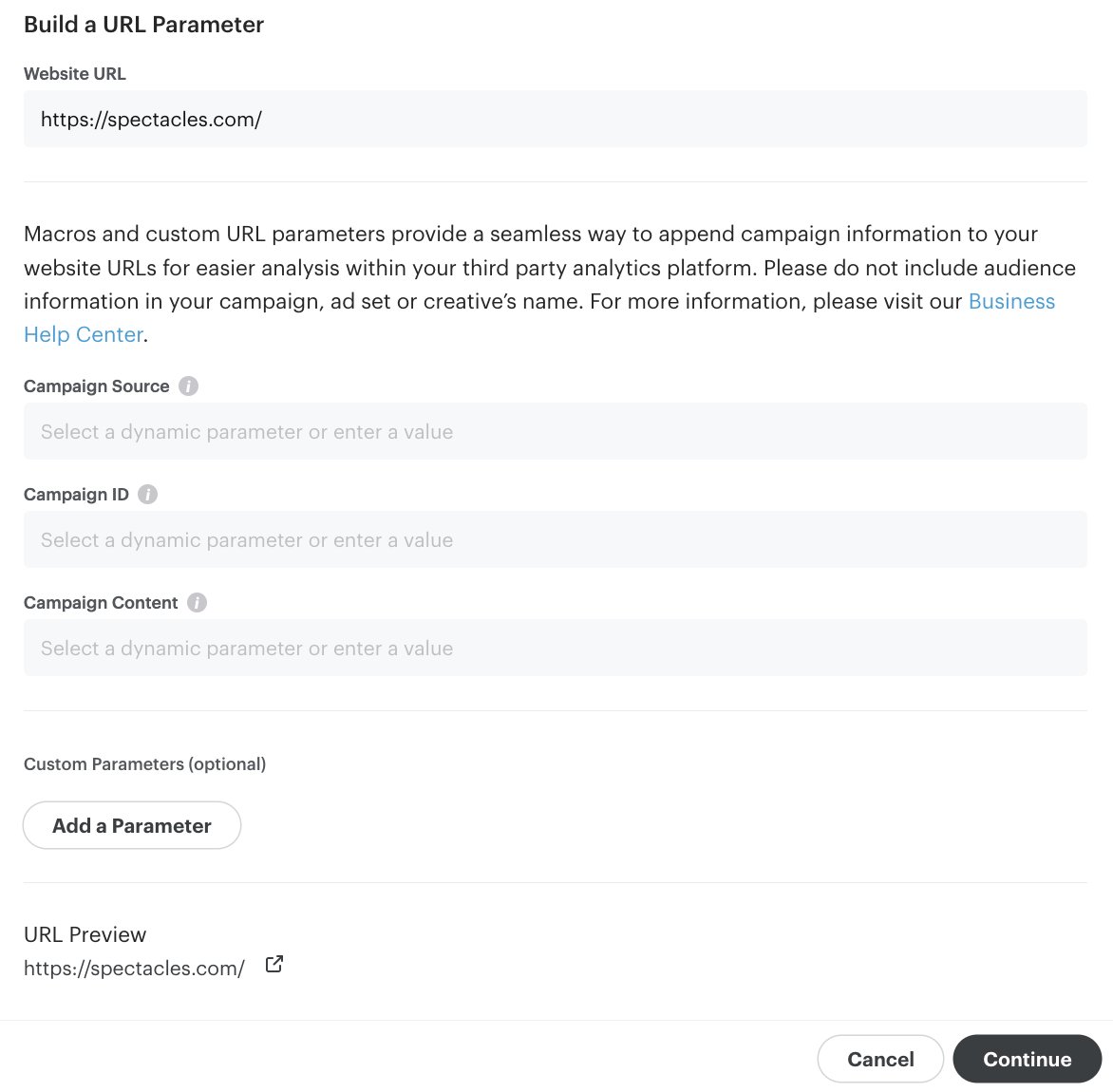
- Click Continue.
You're All Set! 🚀
Need help? Visit our Product Documentation or Help Center or contact our support team.
Was this page helpful?